PlayCanvas Engine
The PlayCanvas Engine is an open-source 3D engine for the web. It renders with WebGPU or WebGL 2 in any modern browser, on desktop and mobile, and it's the foundation that the Editor, PlayCanvas React and Web Components are built on.
Your First App
This is a complete Engine app. It is running right here in the page, and you can edit it: the preview reruns as you type.
import * as pc from 'playcanvas';

// create a graphics device, preferring WebGPU over WebGL 2
const canvas = document.getElementById('application');
const device = await pc.createGraphicsDevice(canvas, {
    deviceTypes: [pc.DEVICETYPE_WEBGPU]
});
device.maxPixelRatio = Math.min(window.devicePixelRatio, 2);

// create an application with the component systems it uses
const options = new pc.AppOptions();
options.graphicsDevice = device;
options.componentSystems = [
    pc.RenderComponentSystem,
    pc.CameraComponentSystem,
    pc.LightComponentSystem
];

const app = new pc.AppBase(canvas);
app.init(options);
app.setCanvasFillMode(pc.FILLMODE_FILL_WINDOW);
app.setCanvasResolution(pc.RESOLUTION_AUTO);
window.addEventListener('resize', () => app.resizeCanvas());
app.start();

// light the scene softly from all around
app.scene.ambientLight = new pc.Color(0.3, 0.3, 0.35);

// create a camera looking down at the middle of the grid
const camera = new pc.Entity('camera');
camera.addComponent('camera', {
    clearColor: new pc.Color(0.12, 0.14, 0.17)
});
camera.setPosition(0, 7, 17);
camera.lookAt(0, 0, 0);
app.root.addChild(camera);

// create a sun that casts shadows
const light = new pc.Entity('light');
light.addComponent('light', {
    castShadows: true,
    shadowDistance: 40,
    shadowBias: 0.2,
    normalOffsetBias: 0.05
});
light.setEulerAngles(45, 30, 0);
app.root.addChild(light);

// create a grid of boxes, shading from orange in the middle to purple at the edges
const size = 10;
const orange = new pc.Color(1, 0.4, 0.1);
const purple = new pc.Color(0.4, 0.2, 1);
const boxes = [];
for (let x = -size; x <= size; x++) {
    for (let z = -size; z <= size; z++) {
        const material = new pc.StandardMaterial();
        material.diffuse.lerp(orange, purple, Math.hypot(x, z) / (size * 1.5));
        material.update();

        const box = new pc.Entity();
        box.addComponent('render', { type: 'box', material: material });
        box.setPosition(x, 0, z);
        app.root.addChild(box);
        boxes.push(box);
    }
}

// every frame, ripple the boxes' heights out from the middle
let time = 0;
app.on('update', (dt) => {
    time += dt;
    for (const box of boxes) {
        const { x, z } = box.getPosition();
        const height = 2.2 + 2 * Math.sin(time * 3 - Math.hypot(x, z) * 0.5);
        box.setLocalScale(0.9, height, 0.9);
    }
});
The first lines are the same in every Engine app. createGraphicsDevice asks for WebGPU and falls back to WebGL 2 where the browser doesn't support it. AppBase is the application: it runs the frame loop, but only the component systems you register, so a bundler can leave the others out of your build. Everything in the scene is an entity in a hierarchy under app.root, and components give each entity its abilities: here a camera, a sun that casts shadows, and 441 boxes, each rendered with its own material. Every frame, the update event passes your code the time since the last one, which it uses to ripple the boxes. Some things to try:
- Speed the ripple up by raising the
3intime * 3, or tighten its rings by raising the0.5. - Swap
orangeandpurplefor any two colors you like. - Grow the grid by changing
sizeto20: that's 1,681 boxes. - Turn the boxes into columns with
type: 'cylinder'.
To build an app like this on your own machine, run npm create playcanvas@latest and pick the Engine format, or follow Using the Engine Standalone to set a project up by hand.
What You Can Build
Engine apps run in the browser, so whatever you build is a link away for anyone, on any device. These are some of the things developers build with it:
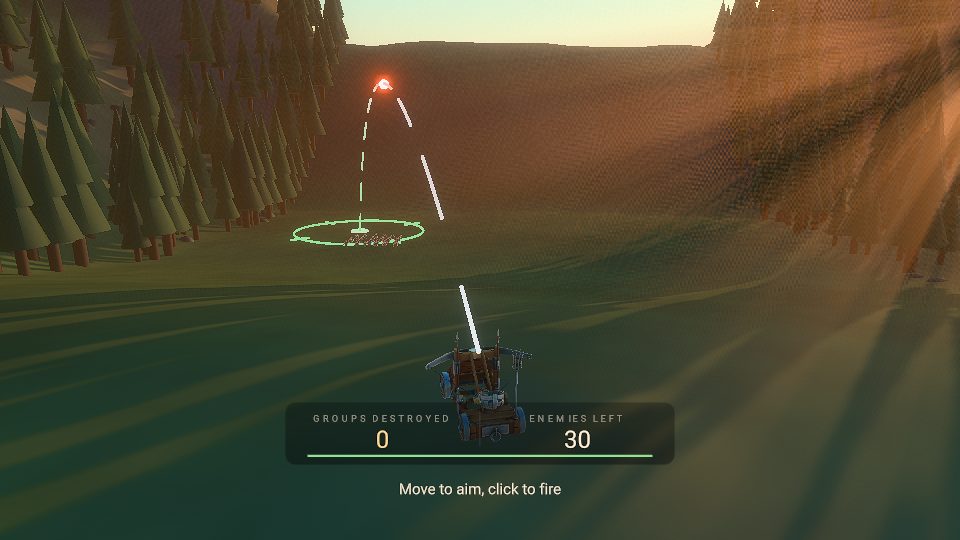
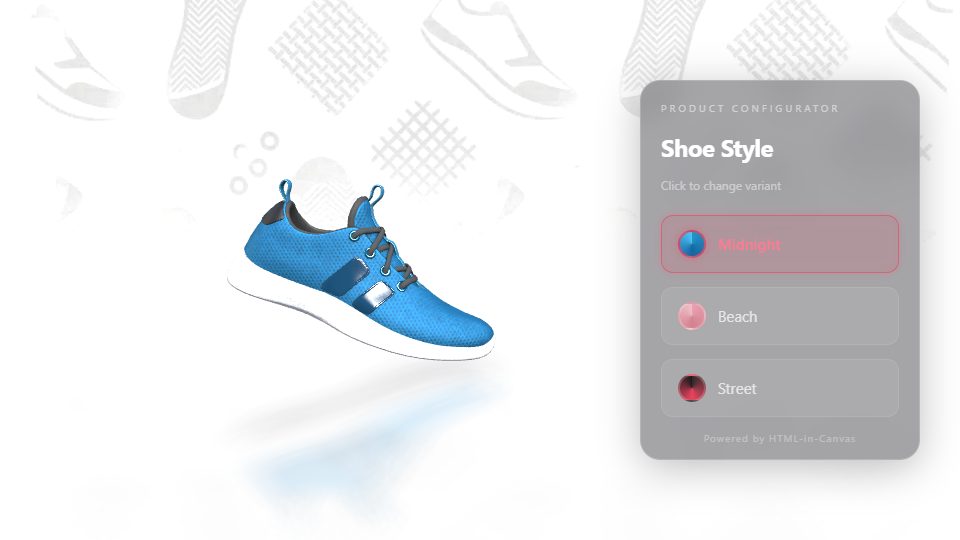
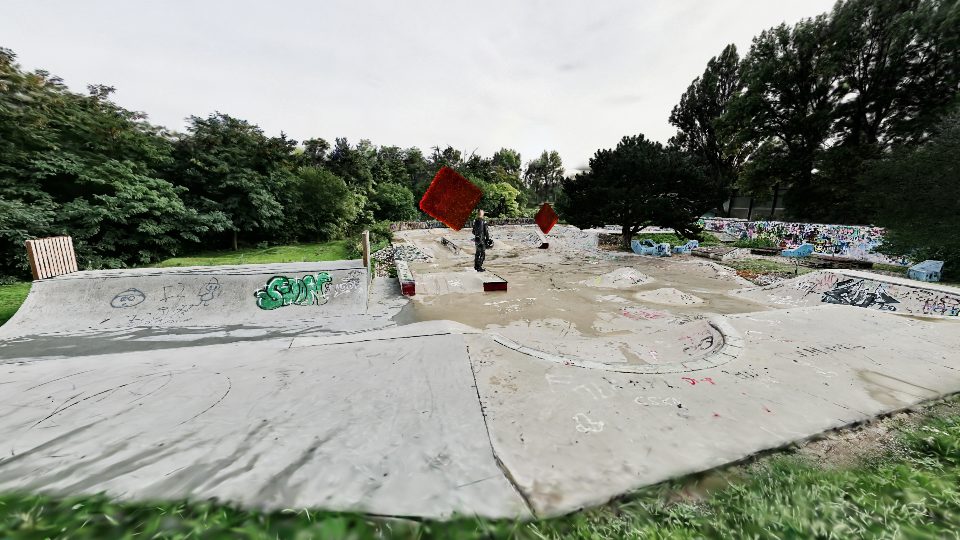
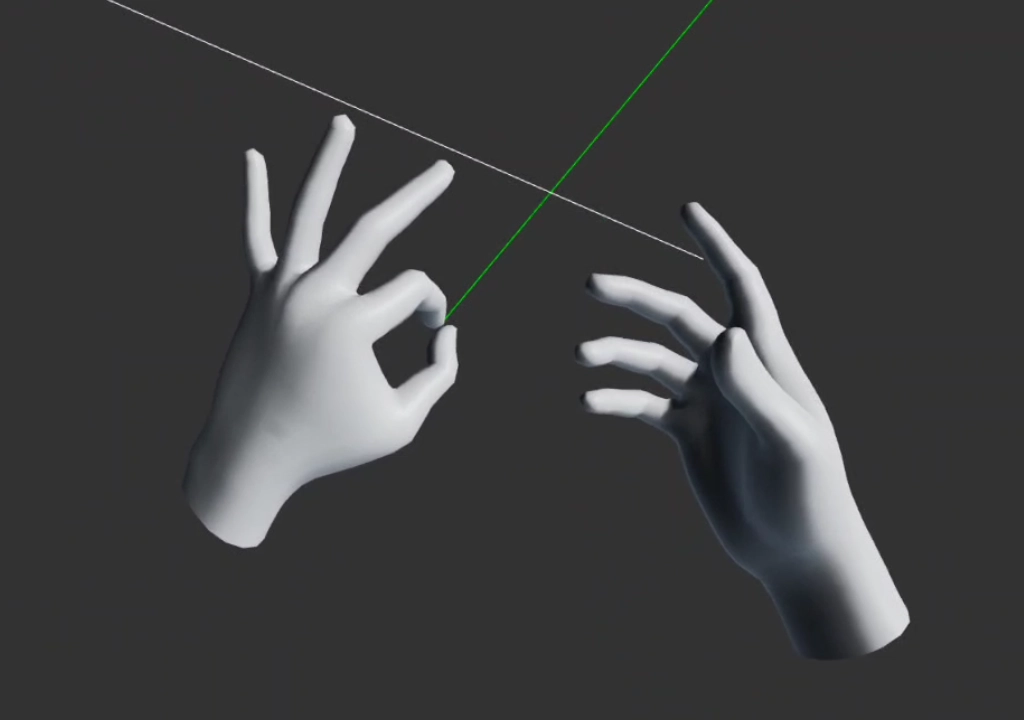
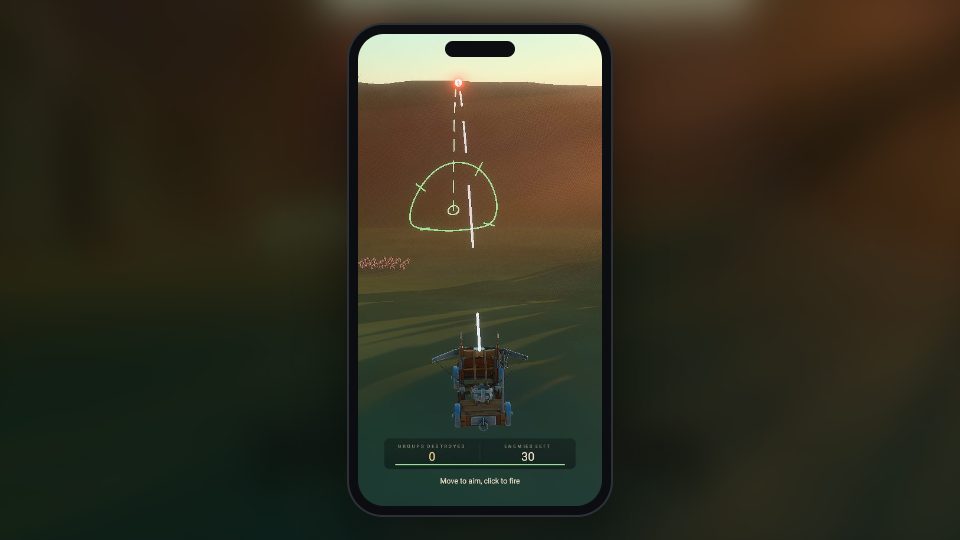
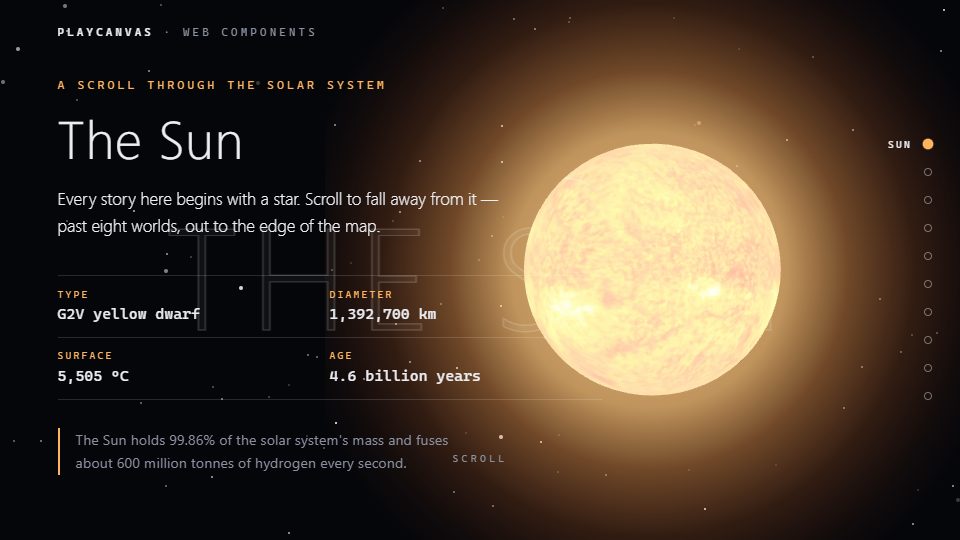
The examples browser has more than 250 live examples, from volumetric fog and dynamic skies to crowds of thousands of animated characters, each with source code you can edit.
Models: Tropical Island by Elin (in the demo at the top of the page), Catapult by AlexJJ, Low Poly Lumberjack by Daz and Materials Variants Shoe by Shopify, all CC BY 4.0. Skatepark splat by Christoph Schindelar.Why the PlayCanvas Engine?
- WebGPU and WebGL 2 from one codebase. Ask for WebGPU and the engine falls back to WebGL 2 in browsers that don't support it yet, with the same API and the same look. See Supported Browsers for where each one runs.
- Batteries included. Rigid-body physics, state-based animation, positional sound, 2D and 3D user interfaces, WebXR for AR and VR, Gaussian splats, and mouse, keyboard, touch and gamepad input are all built in. The package also ships ready-made scripts for camera controls, character controllers, XR, post effects and more.
- Lean by design. The engine is published as ES modules, and
AppBaseruns only the component systems and resource handlers you register, so a bundler can leave out the ones your app doesn't use. - Assets that load fast. Models load from glTF 2.0 files with Draco geometry and Basis texture compression, and large Gaussian splat scenes stream in by level of detail as the camera moves.
- TypeScript ready. The npm package ships complete TypeScript declarations, so your editor can complete and check every class, method and property, whether you write TypeScript or JavaScript.
- Runs where JavaScript runs. As well as in the browser, the engine runs headless in Node.js, for multiplayer servers, asset tools and unit tests.
- Open source and proven in production. The engine is developed in the open on GitHub under the MIT license, free for personal and commercial projects. It powers the PlayCanvas Editor and SuperSplat, as well as every app built with the Editor, PlayCanvas React or Web Components.
One Engine, Four Ways to Use It
Every PlayCanvas product drives this engine, so choose the way of working that suits you. What you learn about entities, components, materials and scripts carries over between them.
Explore the Engine
The engine's features are documented by topic, and each topic applies whichever way you use the engine.
| Topic | What it covers |
|---|---|
| Entity Component System | Entities, components and the scene hierarchy |
| Scripting | Script classes, their lifecycle, attributes and events |
| Assets | Loading and managing models, textures and other files at runtime |
| Graphics | Cameras, meshes, lighting, materials, shaders, post effects and particles |
| Gaussian Splatting | Rendering, streaming and customizing 3D Gaussian splats |
| Animation | Animation state graphs, layer masks and animation events |
| Physics | Rigid bodies, collision, triggers, ray casts and joints |
| 2D | Sprites, 9-slicing, texture atlases and Spine |
| User Interface | Screens, layout, text, images and input, on screen or in the 3D world |
| XR | Immersive AR and VR with WebXR, including input and hand tracking |
| Optimization | Profiling and tuning load time, frame rate and memory |
In This Section
- Using the Engine Standalone — set up a project with npm and Vite, or with an import map and a CDN.
- Running the Engine in Node.js — run headless apps for servers, tools and tests.
- Versioning and Releases — version numbers, npm tags and how to control which updates you get.
- Engine Migrations — breaking changes and how to update your code.
- Supported Browsers — minimum browser versions for WebGL 2 and WebGPU.
- Developing with AI — set up a coding agent on an Engine project and verify its changes.
- Examples — more than 250 live examples with editable source code.
- API Reference — every class, method and property.
Stay in the Loop
- GitHub for the source code, issues and pull requests, and release notes for every version
- The PlayCanvas blog for Engine news
- Discord and the forum for questions and sharing your work
- The Engine's AI-readable documentation index for coding agents